Blog
Practical PDF guides
Extract, split or compress? Start with the result you need.
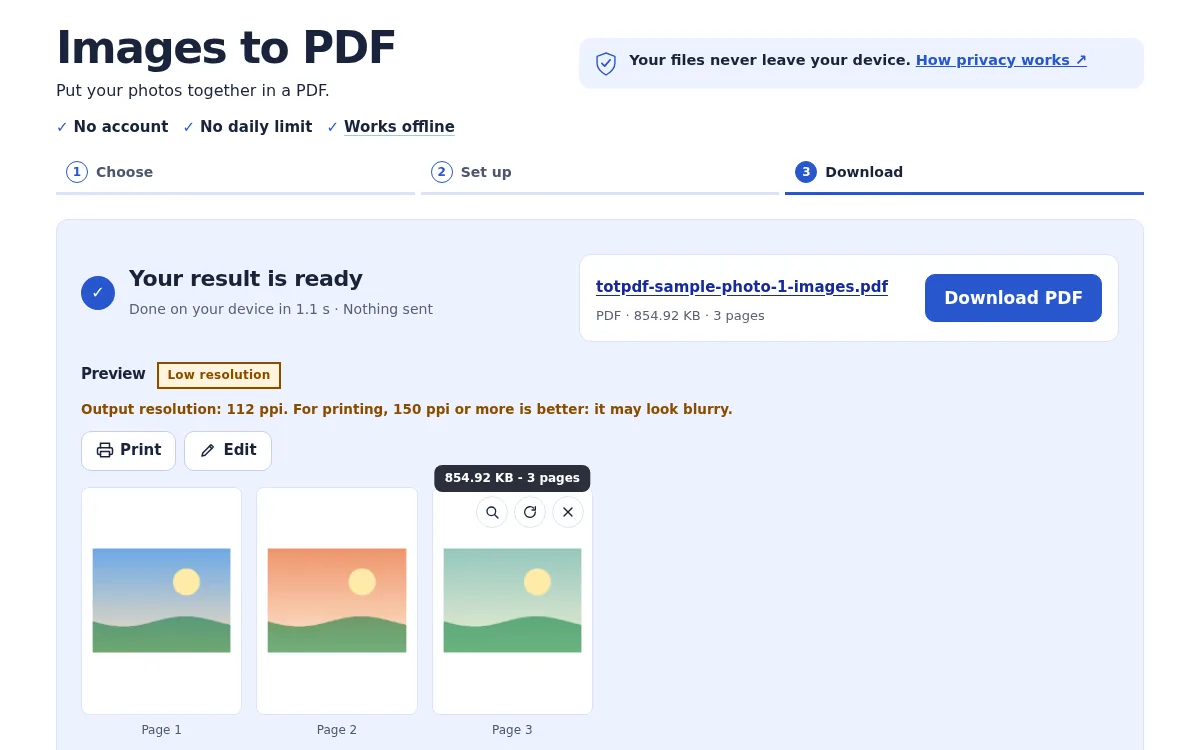
Why processing a PDF in your browser is safer than uploading it to a server
What happens to your file on typical online tools, what in-browser processing means, and how to check that TotPDF uploads nothing.
More guides
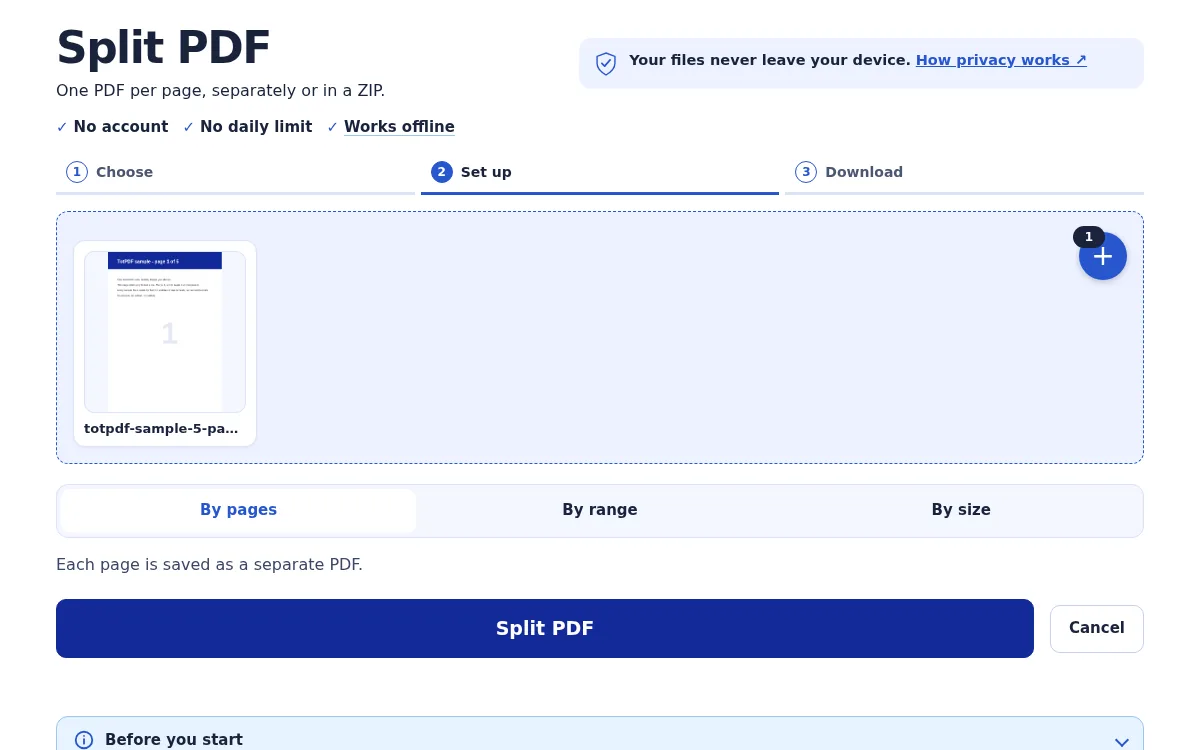
Extract or split a PDF: which tool do you need?
One PDF with selected pages, or one file per page? Learn when to use Extract and Split.
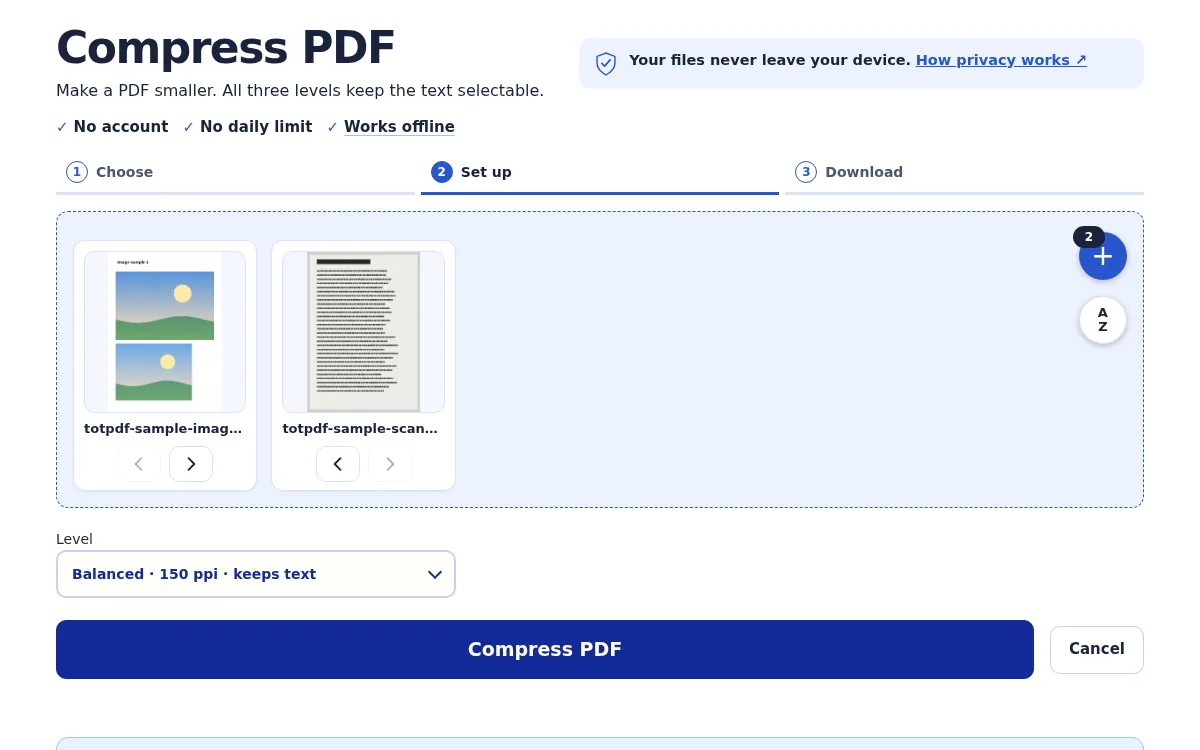
How to compress a PDF and know what you lose
Compress a PDF and keep its text at every level. What each level does and when to use it.

How to print a large poster on an A4 printer
Split an image across A4 sheets with overlap, print them at actual size and glue them together. How many sheets you need and how to check the scale.
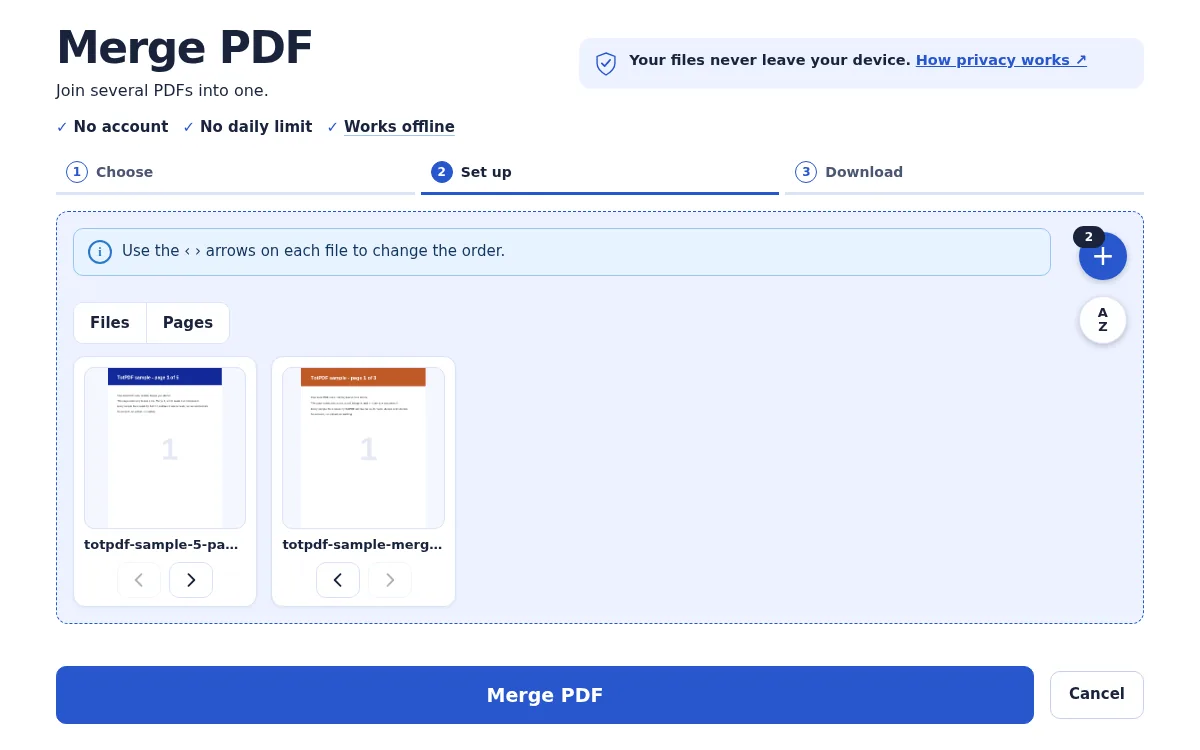
How to merge PDFs without uploading them anywhere
Join several PDFs into one in your browser, free and with no account. How to arrange the documents, what's kept and what's worth checking before you send the result.
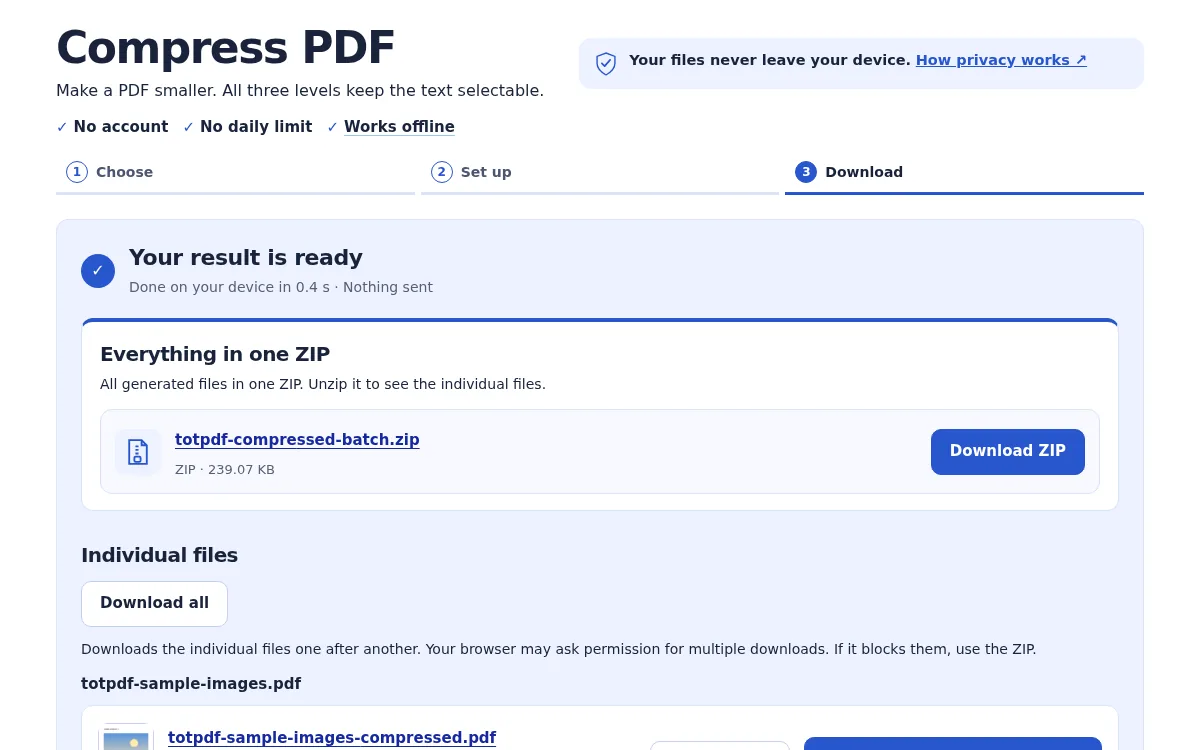
How to shrink a PDF for email without losing quality
Email bouncing the attachment back for being too big? Compress the PDF in your browser, without uploading it anywhere, and check the text, stamps and photos still read just as well.
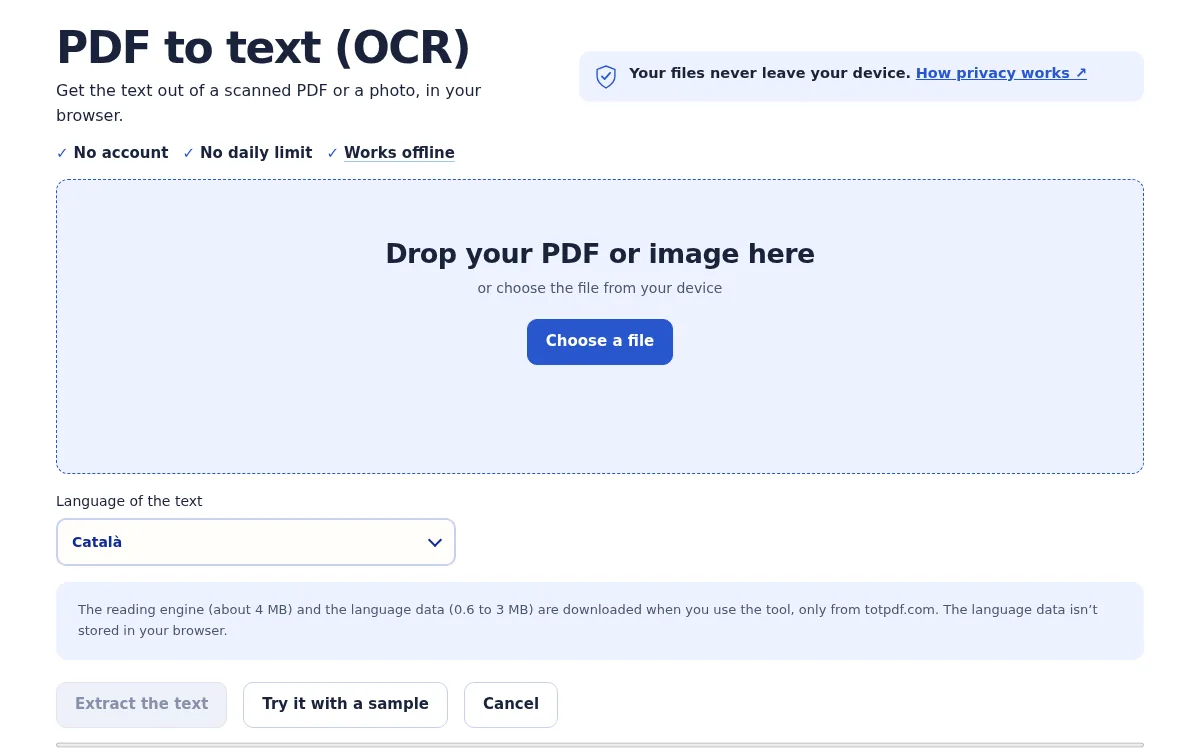
Scanned PDF to searchable text: OCR in the browser, with no uploads
Get the text out of a scanned PDF or a photo and turn it into searchable text or a .txt file, right in your browser. What to know so the OCR gets it right.
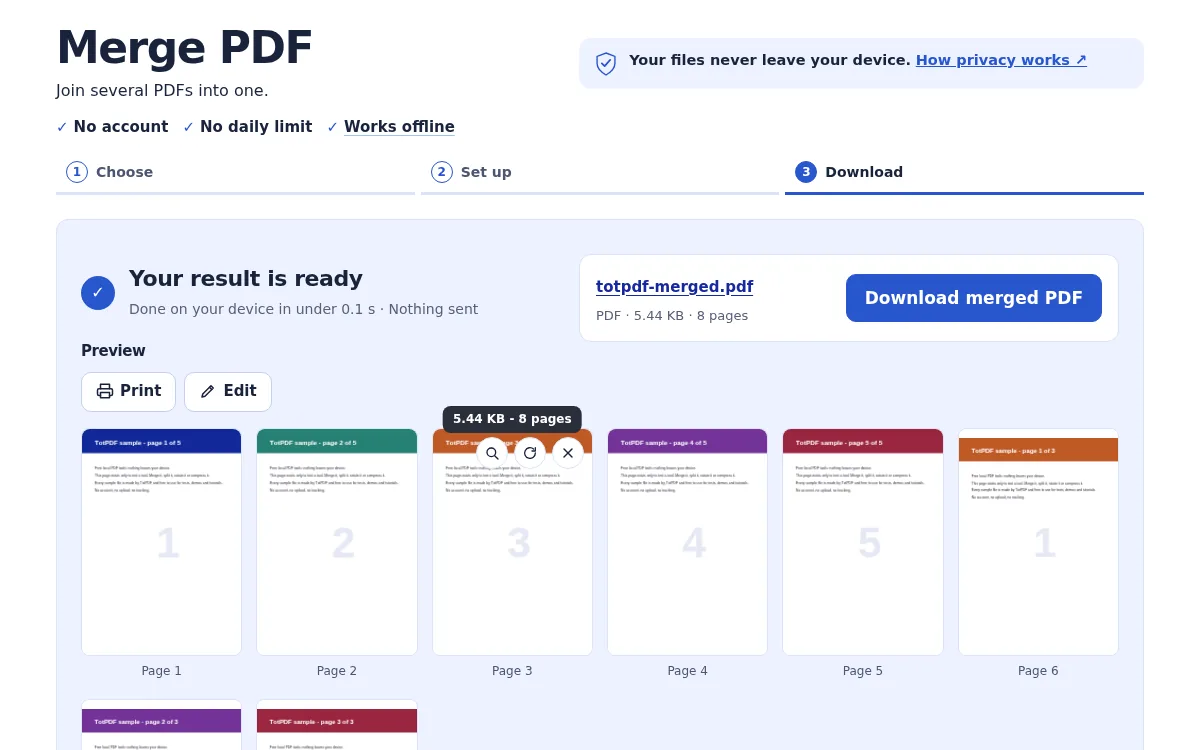
How to tell if a PDF tool uploads your files
Three simple checks to see whether an online tool sends your PDF to a server or processes it on your device. No technical skills needed.
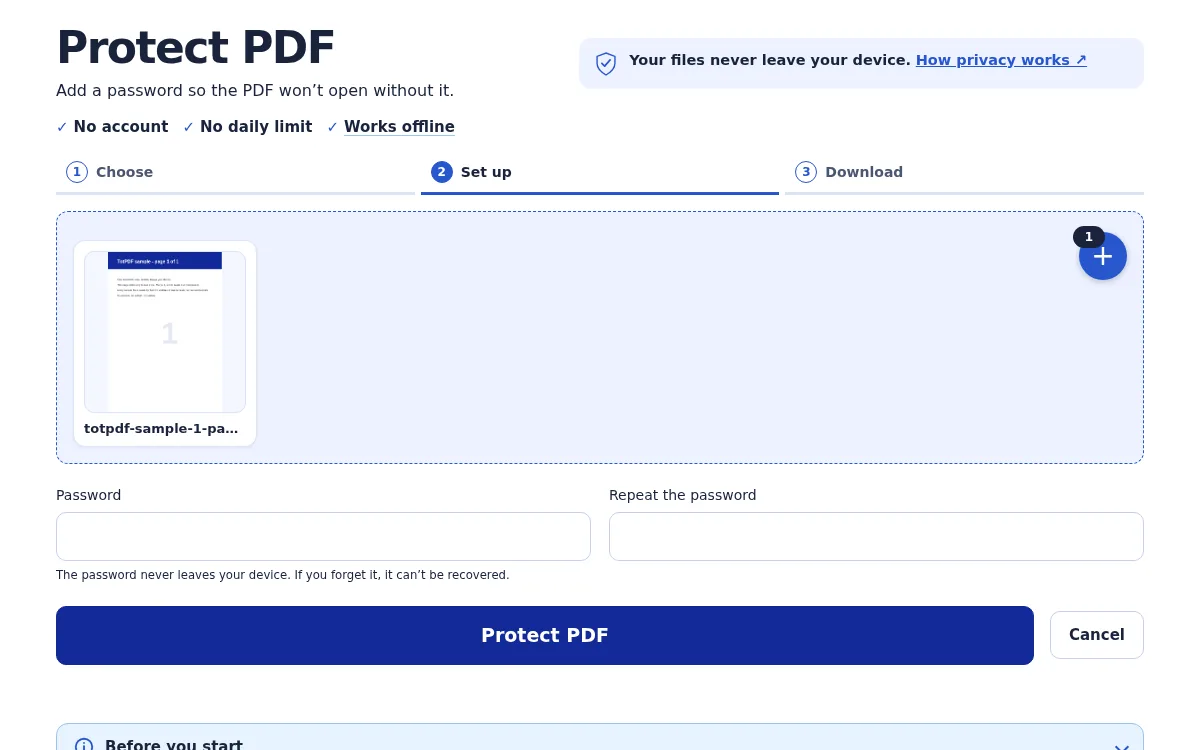
Password-protect a PDF without uploading it anywhere
Encrypt a PDF with 256-bit AES in your browser: neither the document nor the password leaves your device. What it protects, what it doesn't and how to do it step by step.
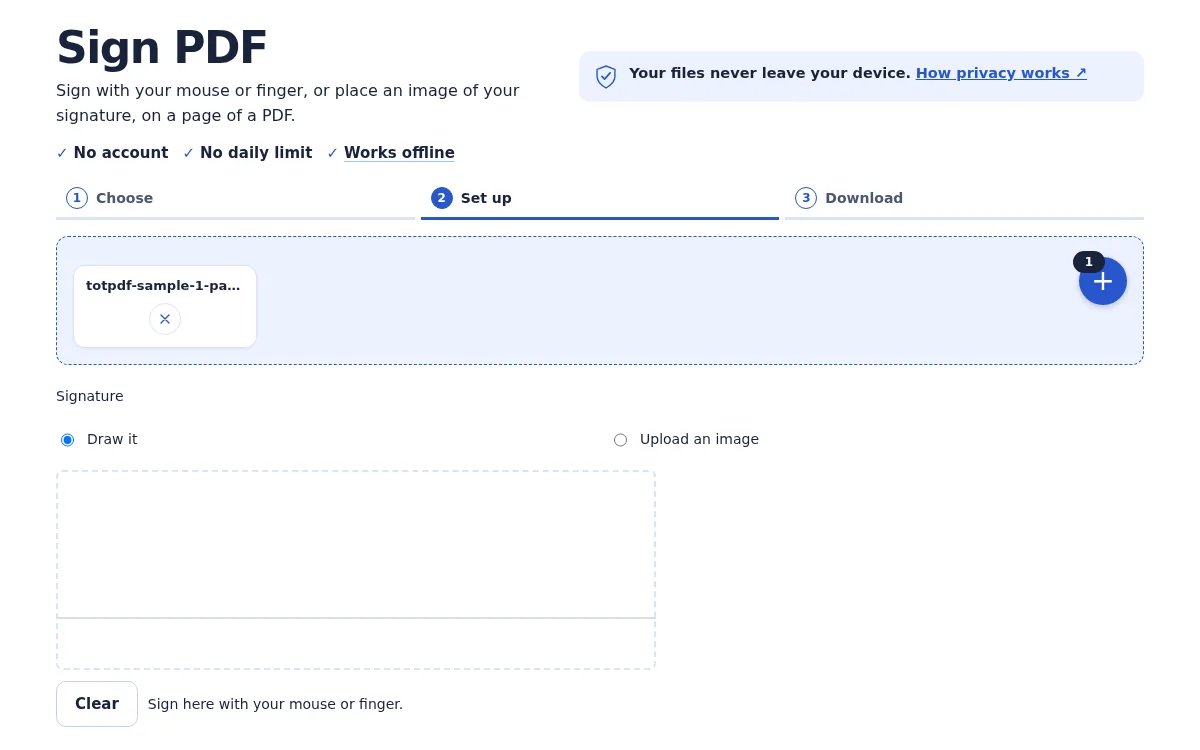
Sign a PDF without printing it or uploading it anywhere
Draw your signature with a finger or the mouse, or use a photo of it, right in your browser. Neither the document nor the signature leaves your device.